
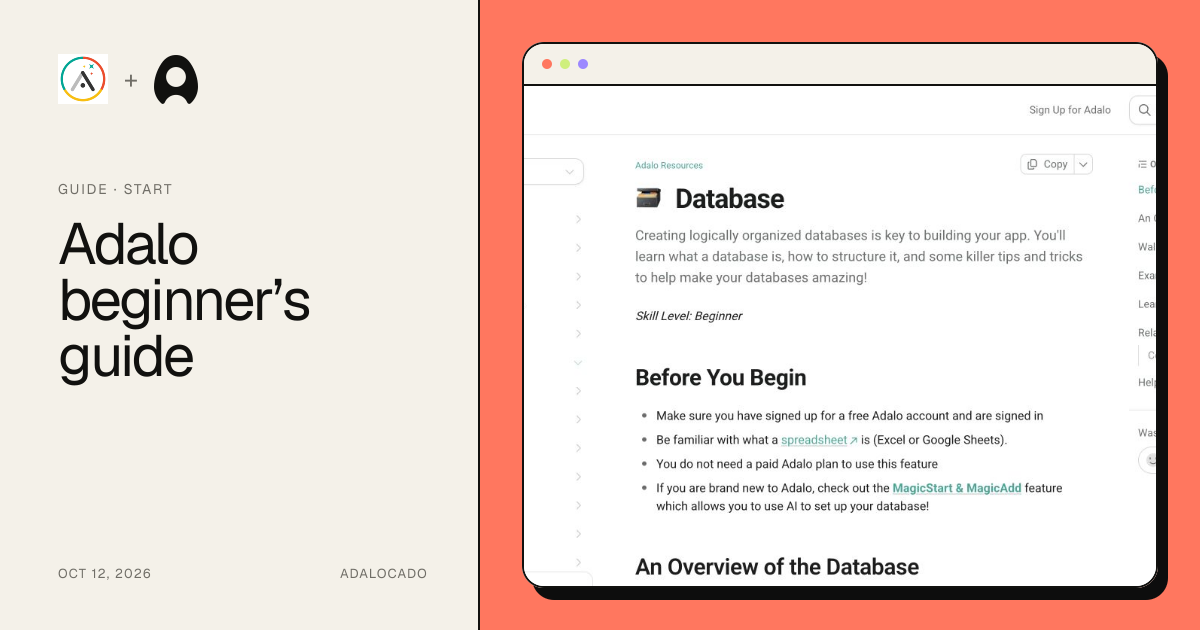
guideBeginner41:41
Adalo beginner’s guide
Plan a first record workflow in Adalo and understand which parts of the 2021 crash course still apply to today's builder and the separate Ada beta.
Sources checked
Reviewed
74.2K views
Learn the core ideas behind screens, components, actions, and data.
6 resourcesPlan a first record workflow in Adalo and understand which parts of the 2021 crash course still apply to today's builder and the separate Ada beta.
Reviewed
Use Codex to turn a neighborhood repair app idea into an Adalo collection model, screen flow, access matrix, sample records, and a practical first build.
Reviewed
Adalo vs Thunkable, tested with the same private task-tracker MVP. Compare build time, privacy, mobile previews, native builds, pricing, and limitations.
Reviewed
Adalo vs FlutterFlow, tested with the same private task-tracker MVP. Compare build time, workflow setup, code export, native builds, pricing, and limitations.
Reviewed
Adalo vs Bubble, tested with the same private task-tracker MVP. Compare build time, workflow depth, mobile previews, native builds, pricing, and limitations.
Reviewed
Use the close icon on the Resource Center to hide it for the current builder session, then reload the browser tab whenever you want the panel to return.
Reviewed
Begin with the smallest record set that can demonstrate the intended result. Confirm the collection and property types, remove optional filters or conditions, and display one plain value from the current record. Once that basic path works, restore one rule at a time. The first rule that changes the expected result identifies the layer worth investigating.
Keep query logic, component visibility, and actions separate while debugging. A query decides which records are available. Visibility decides whether one interface element appears. An action changes data or navigation state. Treating those as different responsibilities makes it easier to explain both the successful path and the empty, denied, or missing-data states.
The resources above label their evidence and limitations individually. Use the reviewed date to judge freshness, follow current official sources for product behavior, and treat dated forum reports as examples of builder experience rather than guarantees. Finish with the testing checklist on the relevant page, including at least one record that should pass and one that should fail.
Tell us what should happen, what actually happens and where the two part ways.