
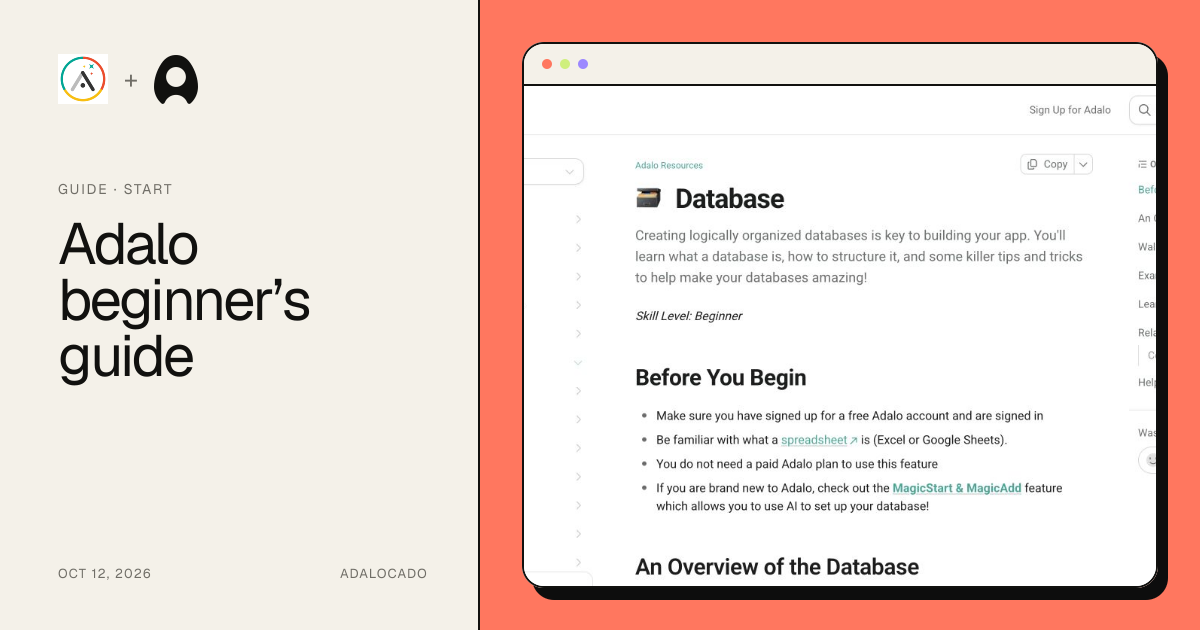
guideBeginner41:41
Adalo beginner’s guide
Plan a first record workflow in Adalo and understand which parts of the 2021 crash course still apply to today's builder and the separate Ada beta.
Sources checked
Reviewed
74.2K views
Get to know Adalo, work through a tricky feature, or compare builders before you choose.
Plan a first record workflow in Adalo and understand which parts of the 2021 crash course still apply to today's builder and the separate Ada beta.
Reviewed
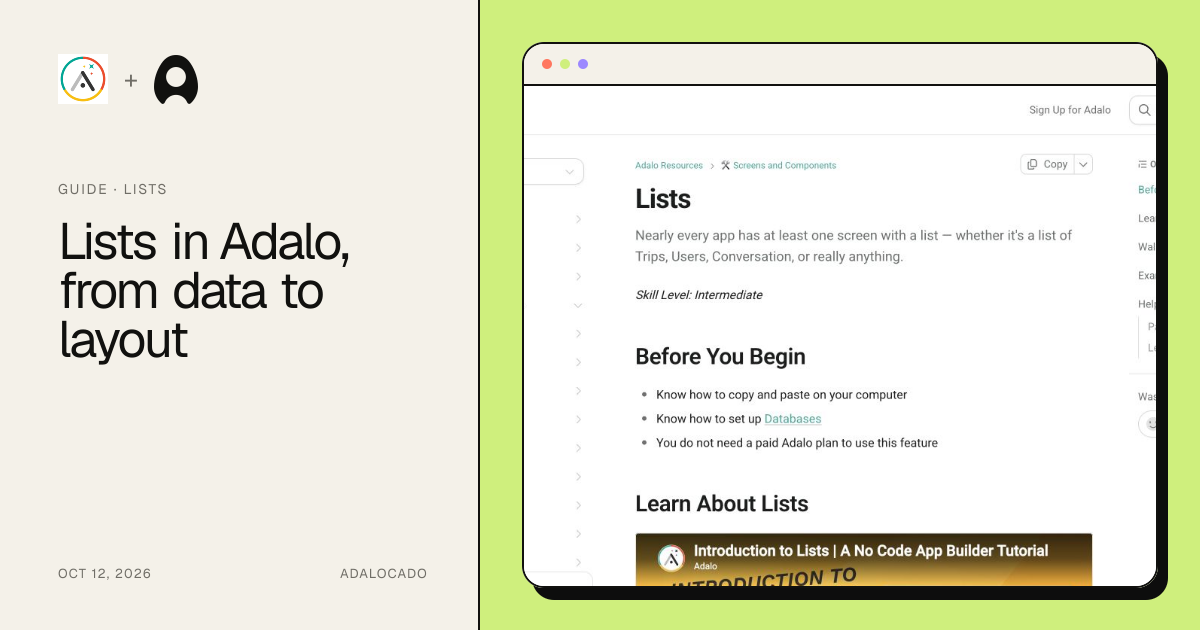
Connect an Adalo list to the right collection, prove its records, add filters safely, debug empty results, and choose a native or custom list deliberately.
Reviewed
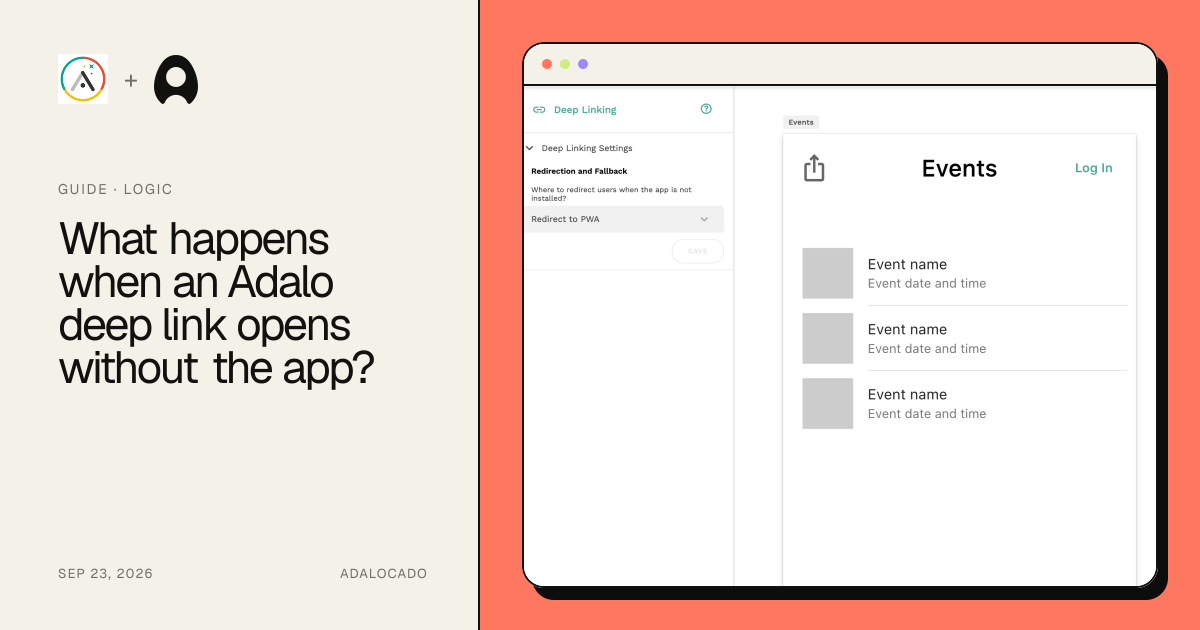
Choose what people see when an Adalo deep link cannot open the installed app, then set up a PWA or device-specific fallback and test both paths.
Reviewed
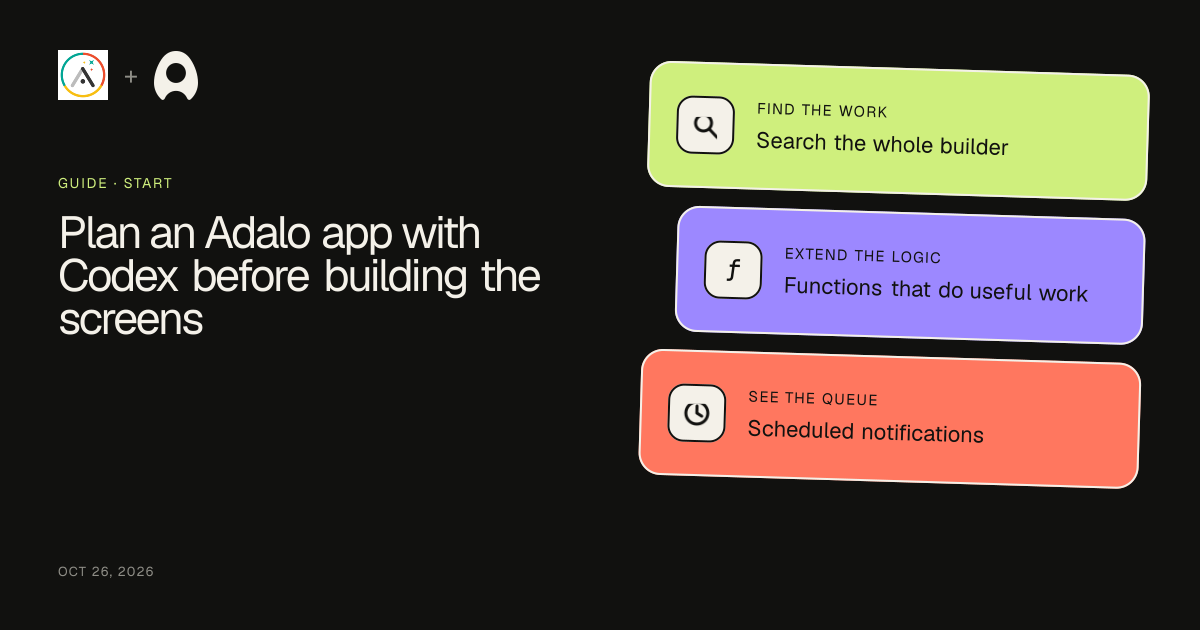
Use Codex to turn a neighborhood repair app idea into an Adalo collection model, screen flow, access matrix, sample records, and a practical first build.
Reviewed
Have Codex build a small server endpoint, connect it to an Adalo button, and return an editable AI listing description with clear authentication and retry rules.
Reviewed
Use Codex to develop a small Adalo component for choosing pickup slots, define its builder settings and actions, and test the boundary between selection and booking.
Reviewed
Give Codex a reproducible Adalo failure and a small evidence pack, then trace the record, filter, screen context, and action that cause the problem.
Reviewed
Use Codex to adapt an inventory API into stable records Adalo can display, including numeric IDs, result keys, list and detail endpoints, and empty states.
Reviewed
Adalo vs Thunkable, tested with the same private task-tracker MVP. Compare build time, privacy, mobile previews, native builds, pricing, and limitations.
Reviewed
Adalo vs FlutterFlow, tested with the same private task-tracker MVP. Compare build time, workflow setup, code export, native builds, pricing, and limitations.
Reviewed
Adalo vs Bubble, tested with the same private task-tracker MVP. Compare build time, workflow depth, mobile previews, native builds, pricing, and limitations.
Reviewed
New to Adalo? Start with the basics. Already building? Choose the part that’s getting in your way.
If you are completely new, begin with the beginner’s guide and sketch the user’s job, collections, and screen flow. If your records are wrong or missing, move to the lists guide and prove the query before styling the row. Use the linked answers for narrow implementation problems, then return to the guide to test the whole path in context.
A guide is the right place to begin when the problem crosses more than one layer of an app. A list, for example, is not only a visual component: it depends on the collection queried, the record available to the screen, the filters applied, and the action that carries a selected record forward. The guides make those dependencies visible before asking you to reproduce individual clicks.
Each resource states its verification level, last review date, sources, limitations, and testing checklist. Legacy walkthroughs are preserved for their useful concepts, while current claims are separated from older interface details. When a page says it was verified from public evidence, that means current documentation and dated community reports were checked; it does not claim an unseen end-to-end builder test.
That final context check matters: a component can look correct in isolation while still receiving the wrong record or changing the wrong collection.
Screens create context. Components create interface. Collections create memory. Actions create change.
Looking for the retired course? Read the Adalocado Masterclass status and maintained replacements.