How do you create a custom multi-select in Adalo?
Create a custom Adalo multi-select with relationships, join records, selected and unselected component states, duplicate protection, and explicit test cases.
Short answer
Represent selections with a many-to-many relationship or a join collection, then show selected and unselected component states based on whether the current option is related to the current user or parent record.
Original walkthrough
Sep 9, 2021
The intended outcome
A selectable list where each option can be independently added or removed and the visual state reflects saved data.
The saved relationship is the source of truth for a multi-select. Render every option, show selected and unselected controls with opposite visibility conditions, and have those controls add or remove the current option. A join collection is the safer model when the selection itself needs properties or audit history.
Requirements
- A collection of selectable options
- A user or parent record that owns the selections
- A relationship or join collection
Step by step
Step 1: Choose the data model
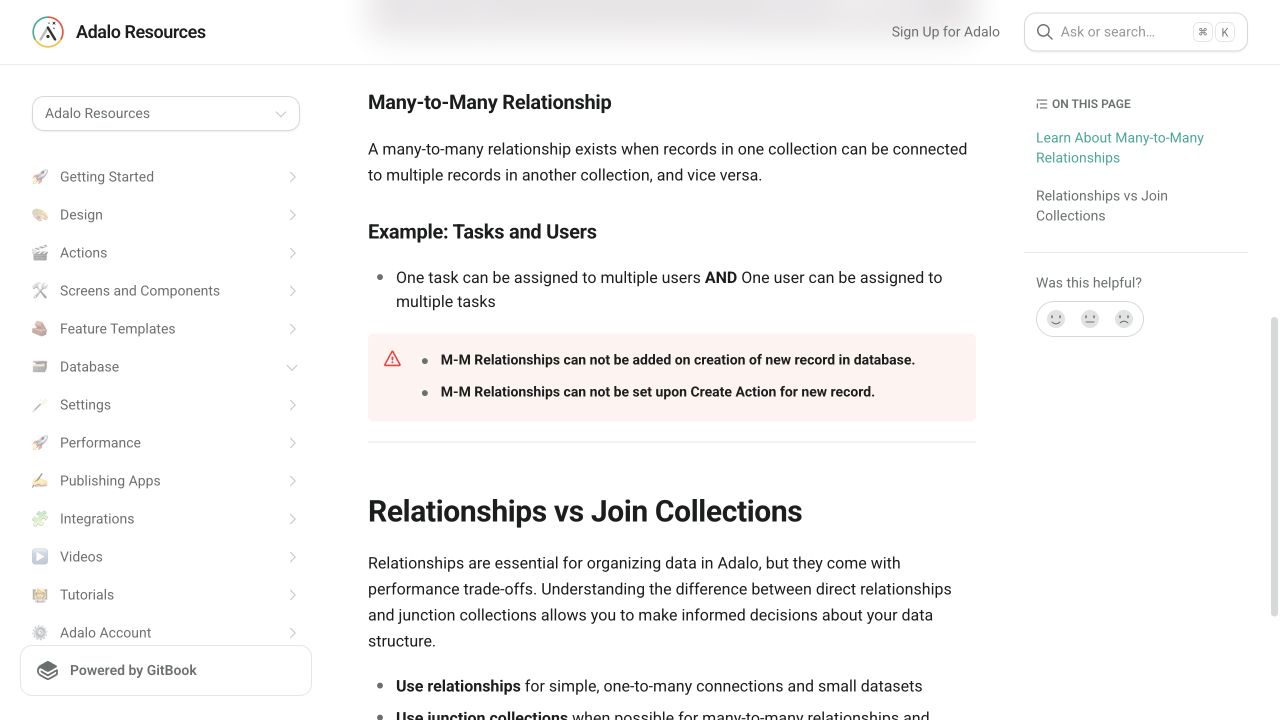
Use many-to-many for a simple association; use a join collection if each selection needs metadata such as order or quantity.
Step 2: Render the options
Create a list of all selectable records.
Step 3: Create two visual states
Design selected and unselected versions and control them with opposite visibility rules.
Step 4: Add and remove the relationship
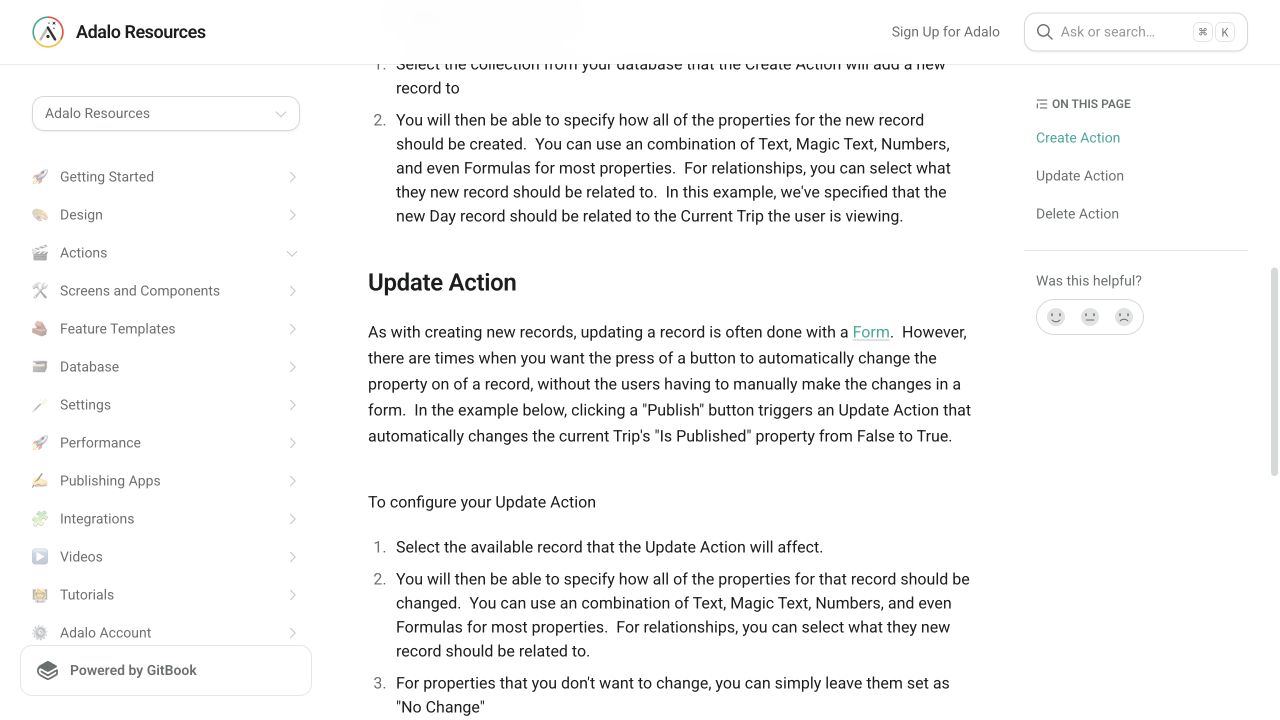
The unselected state adds the current option; the selected state removes it.
Step 5: Verify persistence
Leave and return to the screen to confirm visual state comes from saved data rather than temporary UI state.
The underlying logic
The database relationship is the source of truth.
Opposite visibility rules make the two states appear as one control.
A join collection is more flexible when the relationship itself needs properties.
Data model
| Collection | Important properties | Relationships |
|---|---|---|
| Users or parent records | Name | Has many selections |
| Options | Label, Sort Order | Can be selected by many parents |
| Selections (optional) | Order, Quantity, Created Date | Joins one parent to one option |
What changed?
- The refreshed answer explains when a direct many-to-many relationship stops being sufficient.
Common failure modes
Make the visibility conditions exact opposites and confirm both components evaluate the same relationship.
Confirm the action updated the relationship or join record rather than only navigating or changing input state.
Testing checklist
0 of 7 checked on this device
Current limitations
- Use a join collection when a selection needs quantity, order, notes, or other metadata.
Screenshot evidence
These captures document what Adalo currently publishes and what builders are reporting. They support the written guidance, but they are not a substitute for an end-to-end test in your own app.
What the Adalo community is reporting
These are concise editorial summaries of public forum posts, not endorsements or independently reproduced results.
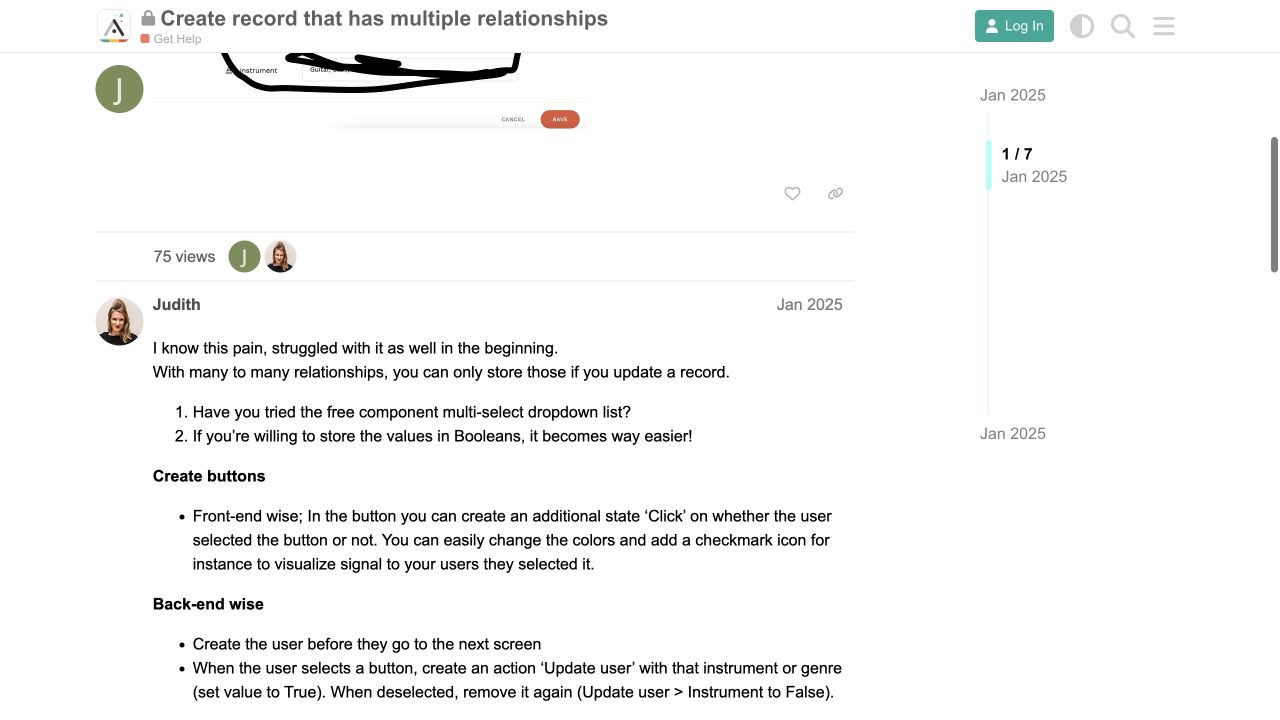
Create record that has multiple relationships
The reply says many-to-many selections are stored by updating an existing record and discusses marketplace or button-and-boolean interfaces.
Boundary: The thread reports that the desired database-style multi-select UI is not a built-in front-end form control.
Judith · January 2025
Sources and status
This page was last reviewed on Aug 12, 2026. Its current status is Verified from current public evidence.
Verification owner: Adalocado editorial. Next review: Oct 12, 2026.
Changelog
Added current relationship and action captures plus a January 2025 multi-select report.
Written and maintained by the Adalocado editorial team under the editorial and verification policy.
Did this solve your problem?
One-click check
We’ll handle the tech. You can exhale.
Bugs fixed. Updates shipped. Publishing handled.
$97/mo for your first 3 months.
Cancel anytime. That’s about 90% off the usual cost. 🤯
- Bug fixes and troubleshooting
- App updates and integrations
- Publishing and store releases
Bring us the messy version.
Describe what you expected, what happened instead, and what you already tried.